
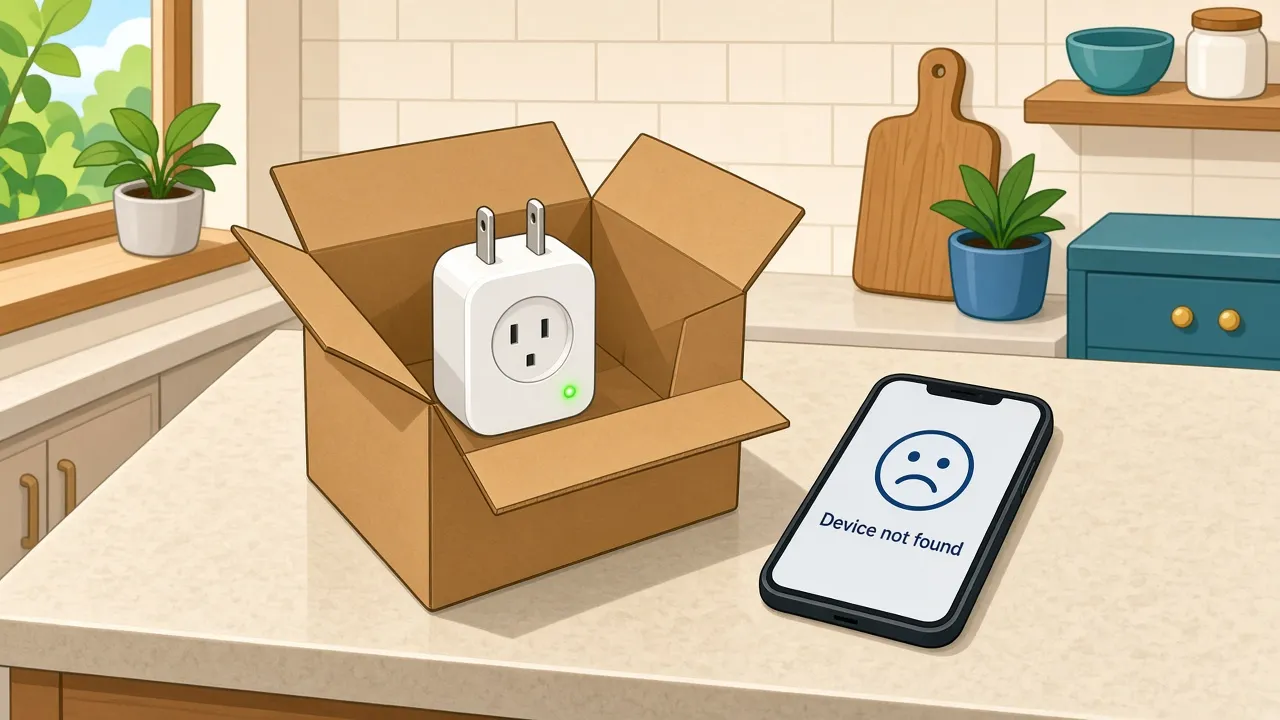
Every hardware company knows this scene. Someone opens a package on the kitchen counter, downloads the app, taps through a few screens, and waits. The spinner spins. "Device not found." They try again. Same thing. Ten minutes later the box is taped shut and the return label is printing.
Then the device reaches the returns center, a technician plugs it in, and it works perfectly. That's a no fault found return, and it's one of the most expensive misunderstandings in consumer electronics.
How big is the no fault found problem?
Start with returns in general, because they are huge. US retailers' own estimates put 2025 returns at roughly $850 billion, about 16% of annual sales, and almost a fifth of online sales. That covers all of retail, not just gadgets, but it shows how normal sending things back has become.
A 2008 industry study found that more than two thirds of returned consumer electronics had no fault anyone could find.
The newer numbers point straight at setup. In 2025 surveys of US households, a little more than half of people who set up smart home devices themselves reported setup or connectivity problems, and connectivity was the issue they mentioned most. Installation and configuration trouble also ranked among the top reasons smart home devices were sent back, and close to half of the households that returned one said it didn't work as advertised.
A separate 2022 study found that roughly one third of people who return a connected device spend less than 30 minutes trying to set it up first.
Less than 30 minutes. That's shorter than most of my calls with our product team. (Sorry, team.)
Here's the part I find most useful: a device can let the customer down completely and still pass every test at the returns center. The device works. The setup experience around it doesn't.
The usual suspects: why "broken" smart devices aren't broken
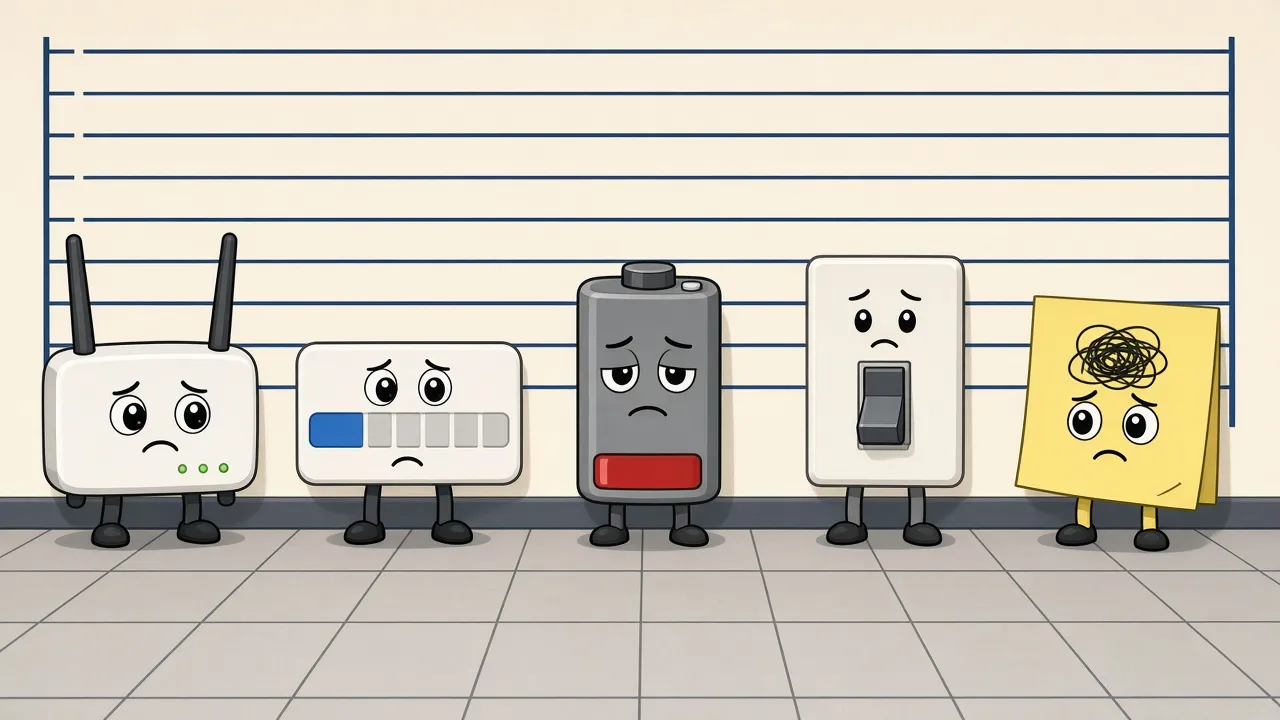
When I look at what actually goes wrong in those first minutes, the same handful of culprits keep showing up. Not one of them is a hardware fault. Here's how each one tends to play out.
1. The wrong Wi-Fi band
This is the big one for anyone searching "smart home devices not connecting to wifi." Some smart home devices only support 2.4 GHz. Meanwhile, plenty of modern routers broadcast 2.4 GHz and 5 GHz under one network name and steer each device to whichever band they think is best. One router maker's own help pages warn that some of these 2.4 GHz-only devices can struggle to connect when both bands share one name. And some setup apps make it worse: they can refuse to connect the device unless the phone itself is sitting on the 2.4 GHz band.
That last one is my favorite detail, because the limit is in the software, not the hardware. The device could connect just fine. The app won't let it. If you ever need a one-sentence definition of a no fault found return, there it is.
The customer doesn't know any of this. They just know the app says it can't find the device.
2. The setup wizard that never got finished
Someone gets halfway through, the phone rings, the toddler escapes. Two days later the app has timed out and nothing makes sense. Skipped or abandoned steps look exactly like a dead device from the customer's side of the screen.
3. Flat batteries and no power
A battery-powered sensor that shipped with a weak charge, or a device plugged into a switched outlet that's turned off at the wall. It sounds silly until you remember that the customer only sees one thing: a product that does nothing.
4. Network drop-off
The device connects, then loses the network, often because it's too far from the router. The customer sees "offline" on day two and decides the thing is flaky.
5. Wrong password, wrong network, wrong expectations
A typo in the Wi-Fi password. The guest network instead of the main one. Or a product that needs a hub the customer didn't realize they had to buy. Even the network name can cause trouble: special characters or spaces in it can trip up some connected devices, so plain letters and numbers are the safer bet. None of these are hardware faults, and all of them can end in a return.
The signals to watch before the return label prints
The good news: connected products are, well, connected. Unlike a toaster, they can tell you when setup is going sideways. Our CEO, Zvi Frank, was already making this case back in 2019 in Crossing the Onboarding Chasm. These are the signals I'd put on a product or CX team's dashboard first:
- Unboxed but never activated. The app was installed or the account was created, but the device never came online.
- Stalled at the same step. Lots of users stopping at "connect to Wi-Fi" is a band or password problem, not a coincidence.
- Repeated pairing attempts. Three tries in ten minutes is someone getting frustrated in real time.
- Connected, then dropped. A device that goes offline shortly after setup and stays offline.
- Low battery at first boot. If the device reports it, you can warn the customer before it dies mid-setup.
- Support searches and contacts in week one. Help center searches for "not connecting" or "reset" are an early warning, not just a support metric.
How to reduce product returns: what to do with those signals
Wondering how to reduce product returns without rebuilding your product? Start here:
- Map the funnel. Write down every setup step and measure where people drop off. You can't fix a step you can't see.
- Fix the top failure in software first. If Wi-Fi band confusion leads the list, remember that an app refusing to connect is a software limit, so it can often be fixed in the app itself. Check that customers are on the latest version of the setup app, because the fix may already be there. At minimum, add a clear "make sure you're on 2.4 GHz" screen with a simple explanation of why.
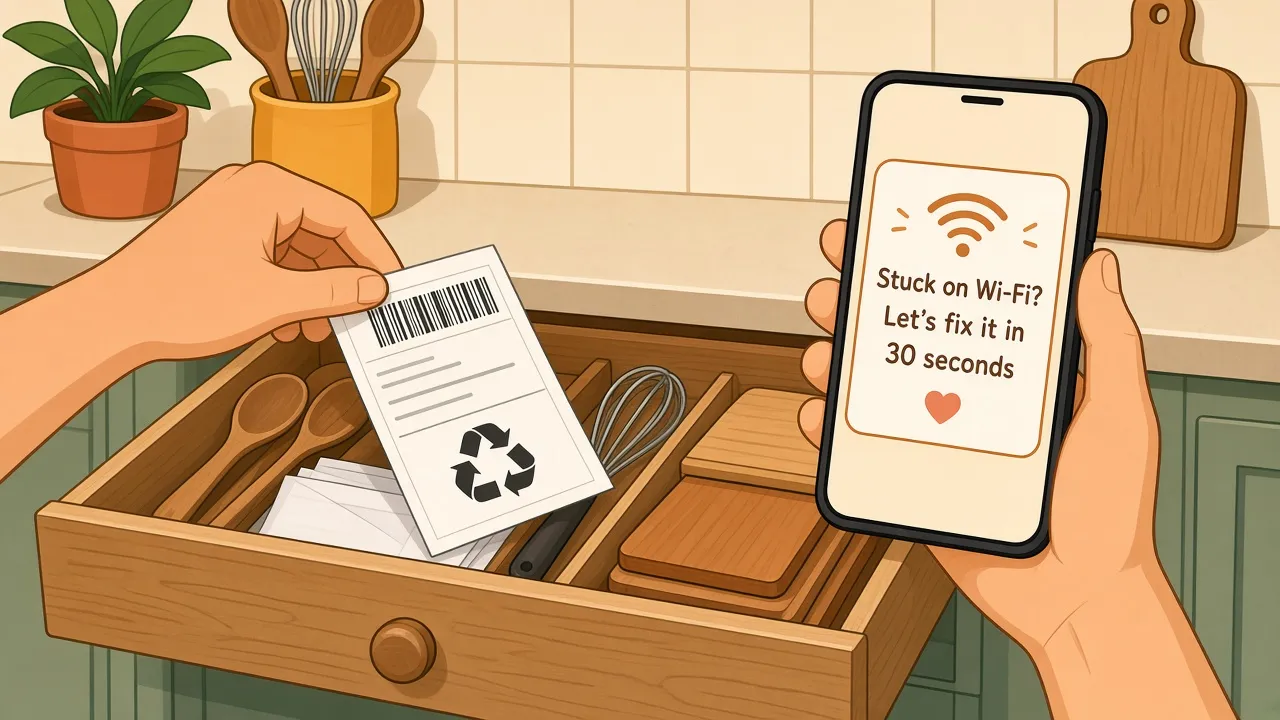
- Help at the exact step where people stall. A short in-app message that says "Looks like setup paused at Wi-Fi, here's the 30-second fix" beats a 40-page manual every time.
- Offer a "do-it-with-me" option. One 2025 smart home survey found that nearly 3 in 10 consumers end up turning to a professional for help, even if they start out installing a device themselves. In that survey, young adults were about twice as likely to struggle: 42% of 18- to 24-year-olds reported difficulty with physical installation, compared with 19% overall. A quick guided video call, where someone walks through setup with the customer, can rescue a setup that's halfway back in the box.
- Close the loop with product. Every repeated failure is a design note. Feed it into the next app or firmware release.
Here's a made-up example, just to illustrate (not a real customer): imagine a smart bulb brand notices that a big share of new users stall at the Wi-Fi step within the first few minutes. They add a short "check your Wi-Fi band" screen and an automatic message for anyone stuck there more than five minutes. The bulb didn't change. People stuck at the counter just get help before they give up.
The takeaway
Most no fault found returns don't start at the returns desk. They start on a kitchen counter, a few minutes into setup, when someone hits a wall and nobody's there to help. The device is fine. The experience isn't.
So watch those first minutes like they're the most important part of your product, because for a lot of customers, they are.
If you want the wider business case for why returns matter, I wrote about it a few years back in The Surprising Rise of Consumer Electronics Product Returns. And if you'd rather not build that setup dashboard yourself, that's the job our Setup Engine was made for.