



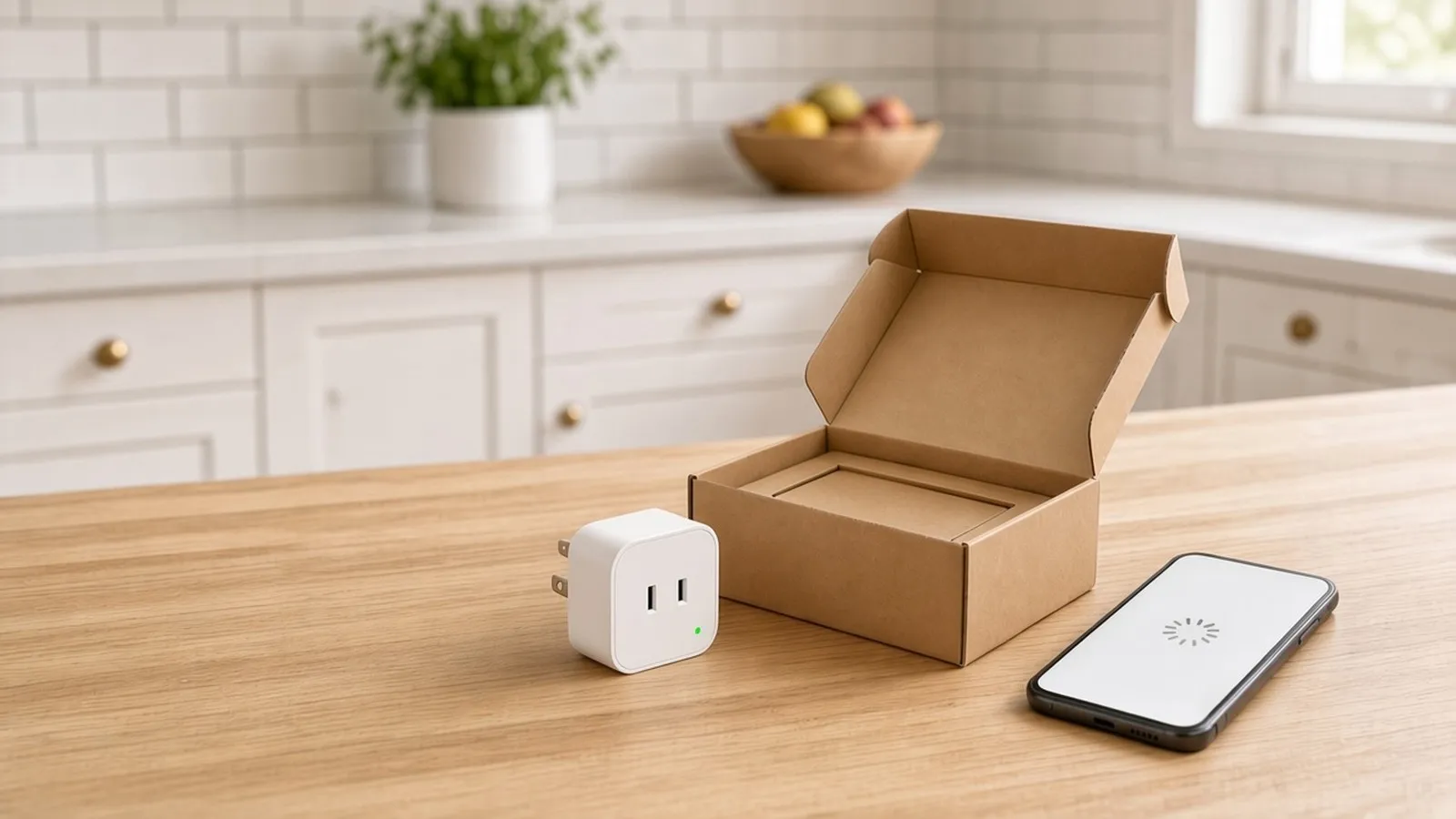
Short answer: as of October 26, 2026, a no fault found (NFF) return is a product sent back as defective that works normally once it's tested again, and for a connected product, the first place to look is setup, since a device that never connected looks broken to its owner. We found no published figure for an NFF rate specific to connected products; the industry-wide retail returns estimate below is the closest dated, named figure available. The sections that follow explain why these returns happen, the signals that show up before one ships, and a practical framework for reducing the rate.
What "no fault found" means, and how big the problem is
Q: What is a no fault found (NFF) return?
A no fault found (NFF) return, sometimes called a no trouble found return, is a product a customer sends back as defective that tests normally once a technician or returns center plugs it in again, so the item itself isn't actually broken even though it came back as if it were.
NFF returns still cost a shipment, a restocking or scrap decision and a refund.
Q: How common are no fault found returns?
We found no published figure for a no fault found rate specific to connected products; the closest dated, named figure is returns across all of US retail, where retailers expected to take back a total of $849.9 billion in merchandise in 2025, about 15.8% of annual sales.
That figure comes from the National Retail Federation's 2025 Retail Returns Landscape estimate (NRF, Oct 15, 2025 press release, as of Oct 26, 2026), which separately puts online returns higher, at an estimated 19.3% of online sales for 2025 (NRF, 2025 Retail Returns Landscape, as of Oct 26, 2026). Consumer electronics returns sit inside that cross-retail total, but the NRF figures cited here aren't broken out by category.
Why connected products come back with nothing wrong
Q: Why do smart home devices get returned if they aren't broken?
Smart home devices get returned even when nothing is broken because the return decision happens at the worst possible moment, a few minutes into setup, when a customer sees a spinning icon or an error screen and concludes the product itself doesn't work, when the real problem may be something in how it connected, paired or powered on.
This is why customers return electronics that then pass every test a returns center can run: what failed was getting the device working at home.
The wrong Wi-Fi band or a network mismatch
Some connected devices only support the 2.4 GHz Wi-Fi band, not 5 GHz, but some home routers broadcast both bands under one network name and steer each device toward whichever band looks best at that moment. If a 2.4 GHz-only device gets steered to 5 GHz, or if the setup app itself insists the phone sit on 2.4 GHz before it will proceed, the connection can fail in a way that looks exactly like a dead device. A band or network mismatch like this can be fixed in software, in the app or in setup instructions. For the fuller picture on bands, generations and setup, see Wi-Fi for connected products.
Setup abandoned partway through
Setup is rarely one tap. It can take several steps: downloading the app, creating an account, connecting the device, naming it, and sometimes updating firmware before anything works. A phone call, a toddler, a kettle boiling over, any interruption mid-setup can leave a device half-connected, and when a customer returns to it later the error on screen can make less sense than if they'd simply started over.

Dead batteries or no power at first use
Some devices ship with a weak charge, or arrive ready to use but actually needing a full charge first. Others plug into an outlet switched off at the wall, or into a smart plug or power strip a previous owner left off. A customer unboxing a device that does nothing has no way to tell a dead battery apart from a dead unit.
Connectivity drop-off after setup looked fine
A device can complete setup, show as online, and work for a day or two, then lose its connection and never reconnect on its own. That's a different failure mode from a setup that never finished: the customer saw it work, which makes a no fault found return feel especially unfair once it comes back clean. Distance from the router, a firmware update that changed radio behavior, or a router that reassigns a device to a different band can all produce this without any hardware fault.
A mismatch between what was expected and what shipped
A product that needs a hub the customer didn't realize they had to buy, a feature that needs a separate subscription, or an app that behaves differently than the listing photos suggested, can all end in a return that has nothing to do with the hardware. The device does exactly what it was built to do; it just isn't what the customer thought they were buying.
The signals that show up before the return
Connected products have an advantage a toaster doesn't: they can report what's happening during setup before anyone requests a return.
Signals that can show up before a no fault found return.
| Signal | What it looks like in your data | What it can mean |
|---|---|---|
| Setup never finished | An account or app session exists, but the device itself never reports as online | If many setups stop at the same step, that step is the likely problem |
| No activation after the device ships | The app has been opened and an account created, but the device never came online at all | A device that was never turned on, connected or paired, for whatever reason |
| Repeated pairing attempts | Several connection attempts in a short window, all failing | Someone is stuck on the same step and retrying the same fix |
| App opened, device never paired | The app shows activity, screens viewed, settings touched, but no successful pairing event | The setup flow is being attempted, not abandoned outright, and something in it is failing |
Q: What is a device-activation event, and why does it matter for returns?
A device-activation event is the moment a device first comes online and reports back, which is a different moment from opening the box or installing the app, and it matters for returns because a device that never reaches that moment looks, to the person holding it, exactly like a broken one.
Tracking that moment separately from app installs or account creation makes it possible to tell a device that never connected apart from one that's simply being used quietly, since a customer can install an app and never reopen it, even on a device that works fine.
A practical framework for reducing NFF returns
None of the signals above matter unless something acts on them before a customer gives up. The framework below is a practical answer to how to reduce product returns that start at setup. It works the same way whether you want to reduce returns on one smart home product line or across a whole catalog, since every connected product has to get through setup.
- Detect a stalled setup. Treat the signals above as a funnel: know which step most setups stall on, and flag an account that creates an app session but no activation within some window as a signal worth acting on.
- Step in at the moment it stalls. A short, specific message addressed to the exact step someone is stuck on, offered while the device is still on the counter, reaches a customer before they decide the product is broken. A message sent after a bad review or a return request is too late.
- Put band and network guidance up front. If a device only supports one Wi-Fi band, or needs a particular kind of network name, say so before setup starts.
- Keep watching after setup. A device that connects on day one and drops off on day three can still end up as a return, so connectivity monitoring needs to continue past the point where setup looks finished.
Q: What is the fastest way to reduce no fault found returns?
The fastest way to reduce no fault found returns is to catch a stalled setup while it's still happening and step in with help at that moment, since a setup problem left unresolved can end in a return even when the hardware is fine, and a timely nudge at the stuck step goes straight at that cause.
Some stalls are predictable once a device model and its supported bands are known, so band and network guidance can go out before setup starts. See Bluetooth LE vs Wi-Fi vs Thread for device onboarding for how the setup radio shapes which of these problems show up at all.
Measuring your own NFF rate
To measure a no fault found rate, tag return reasons at intake and compare them against your own setup and activation data.
- Tag the reason at intake. A returns center or support agent should record a specific reason, not just "defective" or "not defective," so "no fault found" becomes its own category instead of hiding inside an overall electronics return rate.
- Cross-reference against setup data. For every device tagged NFF, check whether your data shows a stalled or incomplete setup, a late activation, or repeated pairing attempts before the return.
- Watch the gap. The share of NFF returns that also show a setup signal is a rough proxy for how much of your return rate is a setup problem you can fix.
- Track it after every change. A shrinking gap after a product or app change is the clearest sign it worked; a return rate that falls while NFF returns stay flat points to a different cause.
What this means for your post-purchase app
Acting on these signals in real time depends on knowing what a device is doing during setup. Copilot.cx's Setup Engine is built around that device information, triggering in-app and email support at the moment a setup stalls. The guides on Wi-Fi for connected products and Bluetooth LE vs Wi-Fi vs Thread for device onboarding cover the radio and band choices that shape how often setup stalls in the first place.
Related reading: No Fault Found Returns: Why Perfectly Good Smart Products Come Back (and How to Catch It Early) · The Surprising Rise of Consumer Electronics Product Returns
FAQ
What is a no fault found (NFF) return?
A no fault found (NFF) return, sometimes called a no trouble found return, is a product a customer sends back as defective that tests normally once a technician or returns center plugs it in again, so the item itself isn't actually broken even though it came back as if it were.
How common are no fault found returns?
We found no published figure for a no fault found rate specific to connected products; the closest dated, named figure is returns across all of US retail, where retailers expected to take back a total of $849.9 billion in merchandise in 2025, about 15.8% of annual sales.
Why do smart home devices get returned if they aren't broken?
Smart home devices get returned even when nothing is broken because the return decision happens at the worst possible moment, a few minutes into setup, when a customer sees a spinning icon or an error screen and concludes the product itself doesn't work, when the real problem may be something in how it connected, paired or powered on.
What is a device-activation event, and why does it matter for returns?
A device-activation event is the moment a device first comes online and reports back, which is a different moment from opening the box or installing the app, and it matters for returns because a device that never reaches that moment looks, to the person holding it, exactly like a broken one.
What is the fastest way to reduce no fault found returns?
The fastest way to reduce no fault found returns is to catch a stalled setup while it's still happening and step in with help at that moment, since a setup problem left unresolved can end in a return even when the hardware is fine, and a timely nudge at the stuck step goes straight at that cause.