
You can't remove a negative Amazon review yourself, whether you're the seller, the brand or the team that built the product in the box. Once a shopper posts a review, only that shopper can edit it, and only Amazon can remove or suppress it, which it does when a review breaks its guidelines. I know that's not the headline you wanted after watching your rating slip. It's still the right place to start, and it will save you time and keep your account out of trouble.
This Copilot.cx post covers Amazon's published policies and one US regulation in general terms. It isn't legal advice. Policies change, so check Amazon's current seller policies before you act on anything here.
Why a bad review can't just disappear
Sellers sometimes ask if they can message a customer and ask them to update or delete a review. They can't. Amazon's policies don't let sellers ask customers to change or remove a product review. Amazon's seller policies also rule out:
- Offering anything for a review: money, gift cards, free or discounted products, refunds or reimbursements, or future perks.
- Asking for positive reviews only.
- Asking only the customers who had a good experience.
- Asking customers to send complaints to you privately and post only praise on Amazon.
Those rules cover package inserts and messages sent outside Amazon too, so the friendly card in the box counts.
There's also a US rule to keep in mind. A Federal Trade Commission (FTC) rule on consumer reviews and testimonials took effect Oct. 21, 2024. Among other things, it bars businesses from offering incentives conditioned on whether a review is positive or negative. It also bars trying to suppress reviews through groundless legal threats, physical threats, intimidation or public accusations the business knows are false or doesn't care to check. So pressuring a reviewer can cause trouble well beyond your Amazon account.
What you can do about Amazon ratings and reviews
None of the steps below will make an honest, guideline-compliant negative review vanish. All of them sit inside the rules, and in my experience they're what moves an overall rating over time.
-
Report reviews that really break the guidelines. If a review clearly violates Amazon's Community Guidelines, use the Report button below it. Amazon also has a separate way to report someone who offers compensation to create, edit or remove a review.
-
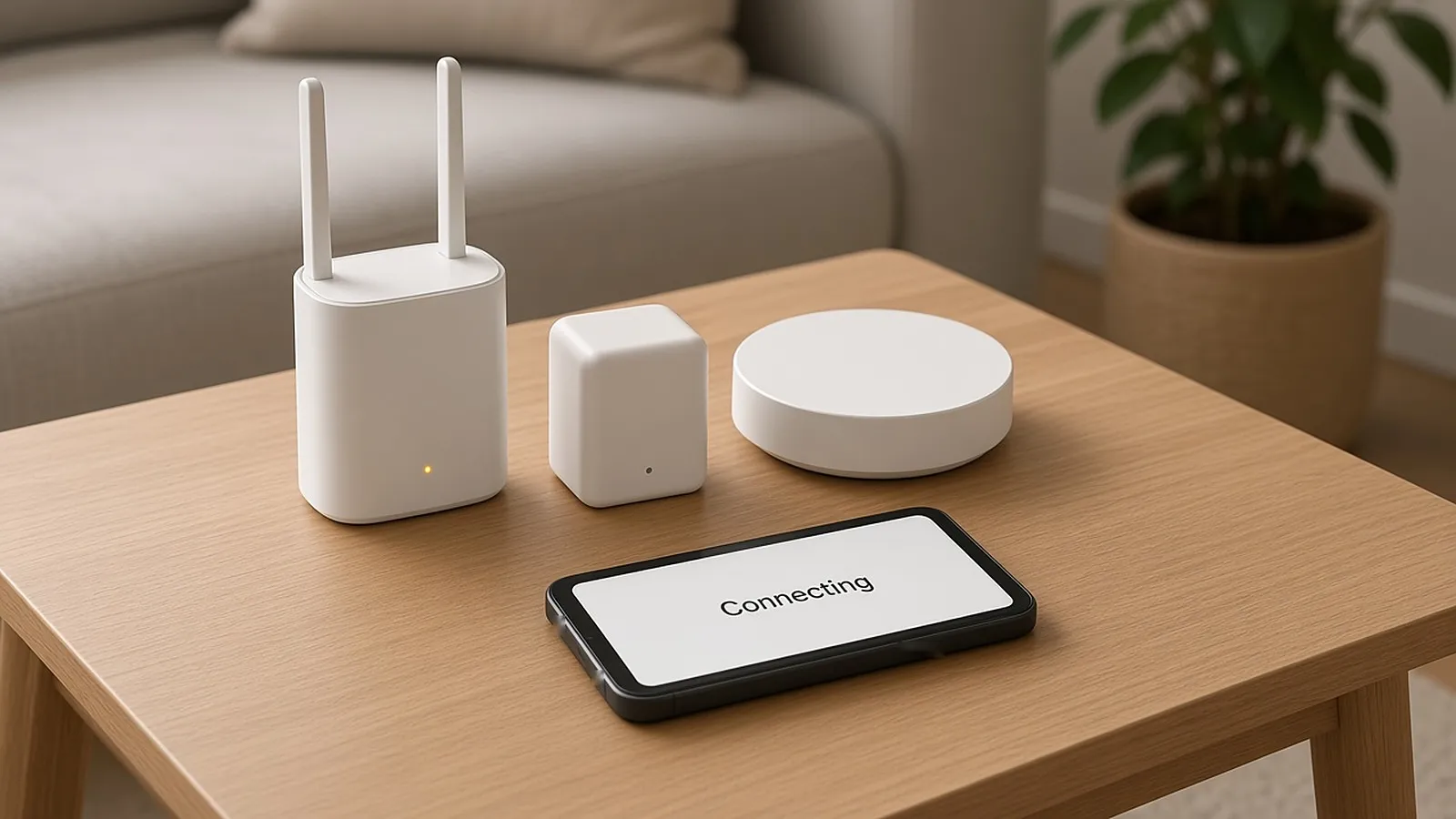
Find out what's driving the complaints. A lot of sellers skip this. With smart home and IoT products, I often see one-star reviews that start before the product gets a fair chance: a confusing pairing flow, a Wi-Fi connection that fails the first time, an app asking for permissions nobody explained. When setup is rough, the review says "doesn't work" even when the hardware is fine. Fixing that friction can do more than anything else on this list.
-
Help people before frustration becomes a review. A support message that arrives while someone is stuck tends to beat any reply after the one-star review is already up. If a customer gets unstuck during setup, I'd bet they're a lot less likely to write that review at all.
-
Ask every eligible customer for a review, neutrally. If you want to know how to get more Amazon reviews, this is the reliable way. Amazon's Request a Review button in Seller Central sends a standard request once per order, generally between 5 and 30 days after delivery. The wording is fixed, and Amazon's rules don't let you send it only to the customers you expect to be happy, so the simplest habit is to use it on every eligible order. A hand-picked list would also give you a rating that doesn't tell you much. You can also automate the same request through Amazon's Selling Partner API (Solicitations), so nobody has to remember it order by order.
-
Use Amazon Vine the way it's meant to be used. Vine is Amazon's official program where invited reviewers get free products, and their reviews are labeled as Vine reviews. It runs on Amazon's own rules, so use it the way Amazon describes it.
-
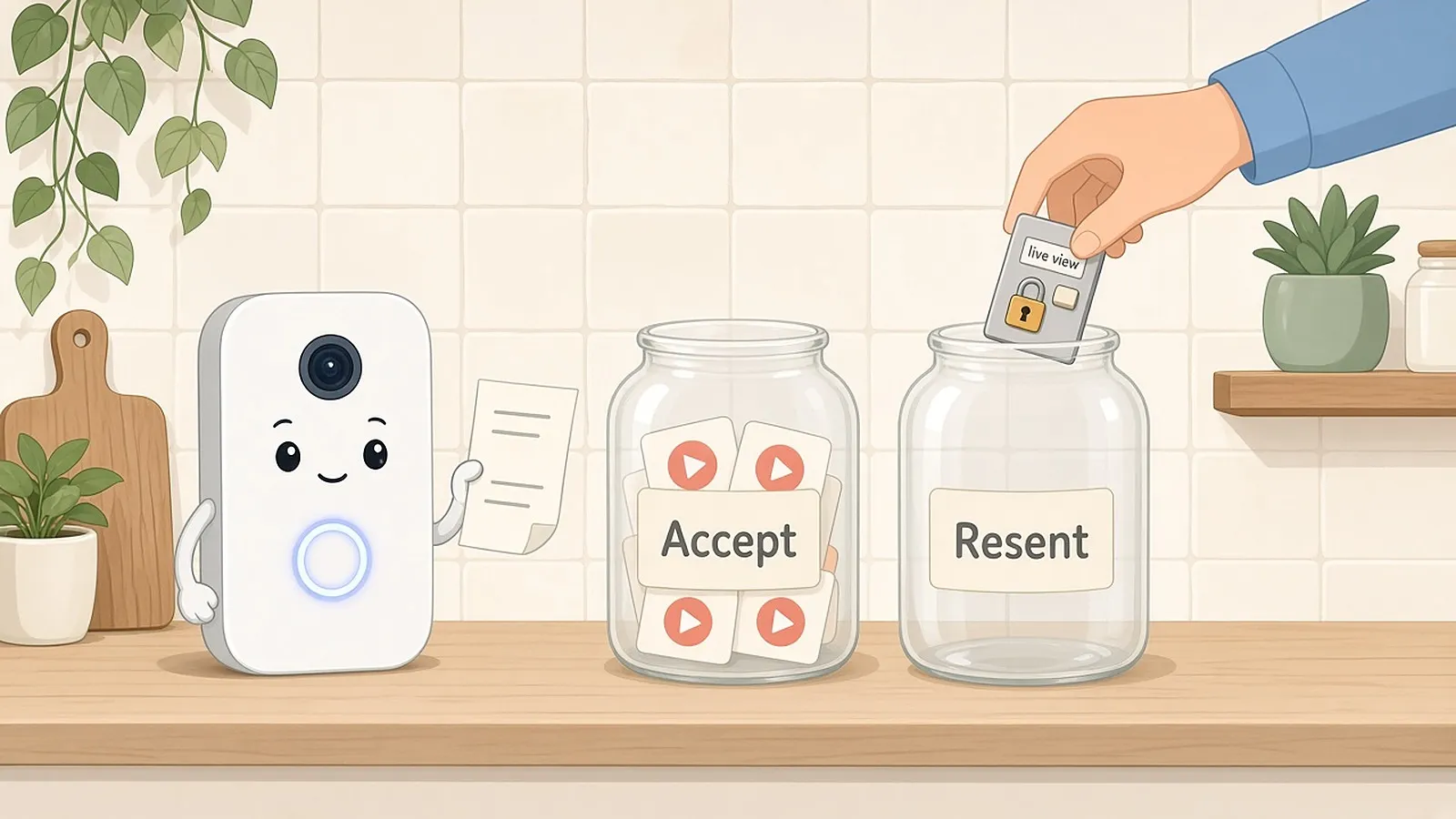
Keep your own house clean. Don't tie any reward to what a review says. Don't ask anyone to change or delete a review. Don't send unhappy customers to a private channel while you ask only happy ones to post. Amazon's policies name these exact moves, and the FTC rule covers some of them too.
Where automation helps
The work is doing these steps every time, across every product line, order and support ticket. Your own app can help a lot here, because it sees setup trouble as it happens and can offer help right then, which is earlier than any marketplace message.
That's the problem we built our Reviews Engine around. It spots friction during onboarding, such as connectivity issues or configuration errors, and turns those moments into triggers for automated support messages. It also automates review requests across email, push, in-app and SMS, with one-tap links to your product pages on Amazon, Walmart and other storefronts. Whichever tool you use, send the same neutral request to every eligible customer, regardless of the rating you expect.
A quick checklist before you react to a bad review
- Check the guideline first. Does the review actually violate Amazon's Community Guidelines, or do you just disagree with it? Only the first kind is worth reporting.
- Trace the complaint to a cause. Is there a real product or setup issue behind it, and has someone on your team looked?
- Check the support trail. Did this customer have a real chance to get help before posting?
- Check who you ask. Are you asking every eligible customer, or only the ones you expect to be nice?
- Check your outreach on and off Amazon. Is anything in an insert, email or text offering a reward tied to what the review says?
The short version
You can't erase a legitimate negative Amazon review, and trying to pay, pressure or threaten your way around one can create a bigger problem than the review. The approach that works is slower and less satisfying in the moment. Report what really breaks the rules, fix the cause behind the complaints, help customers while they still want help, and ask everyone for a review the same neutral way. Keep at it and your Amazon ratings and reviews will reflect the product you actually ship.
If you want help catching setup friction early and sending every eligible customer the same review request, take a look at the Copilot.cx Reviews Engine.