
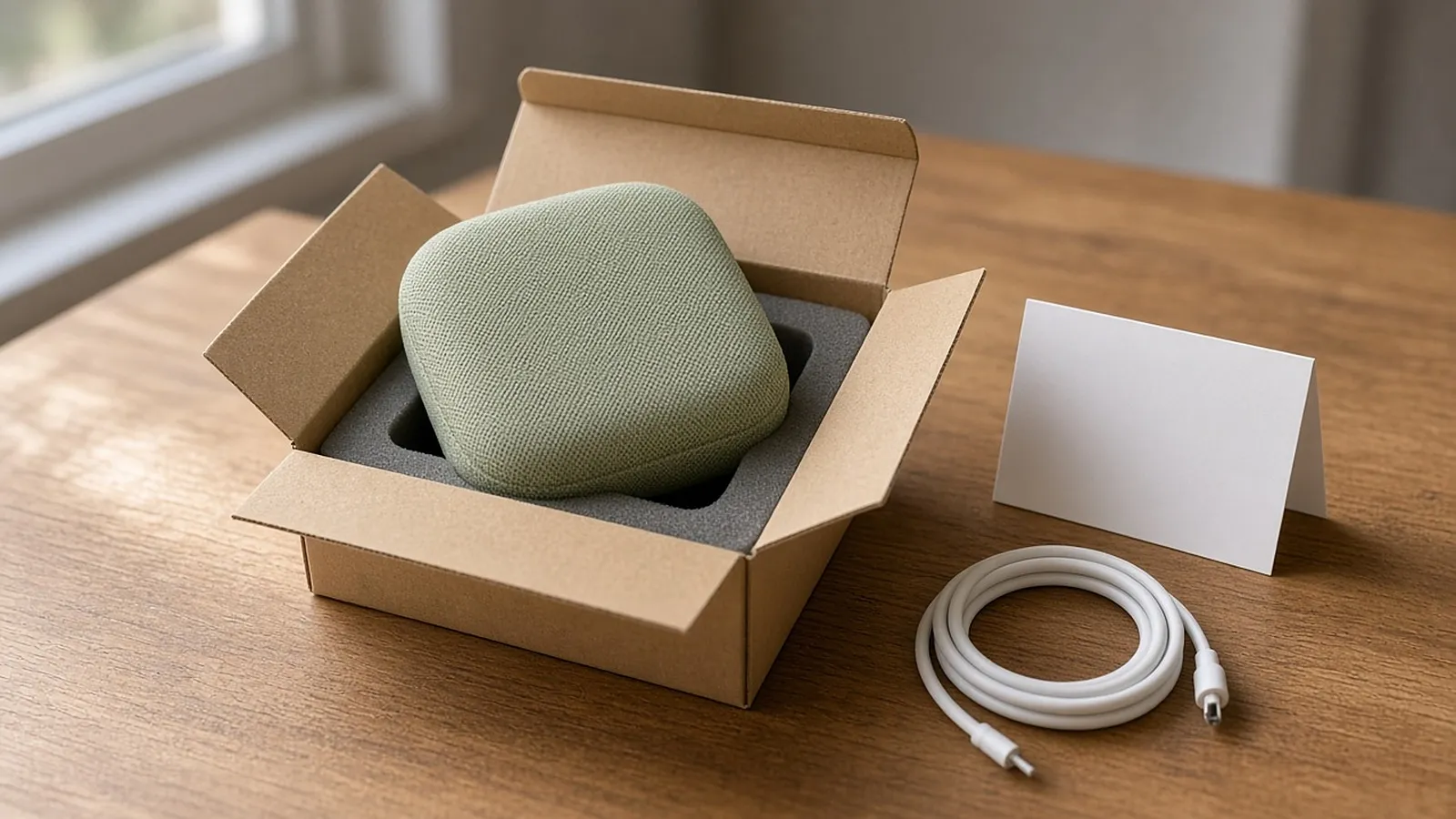
Product teams spend real money on the box. The magnetic flap, the foam cutout, the little thank-you card. I get it, and that moment does matter. Here at Copilot.cx, we care about what happens right after it.
For a connected device (a speaker, a thermostat, a camera, a baby monitor), the unboxing experience keeps going after the lid comes off. It ends when the device is powered, connected to the right network and doing something the owner wanted. That stretch is where I think a lot of good products lose people.
What's in the box, and what's printed on it
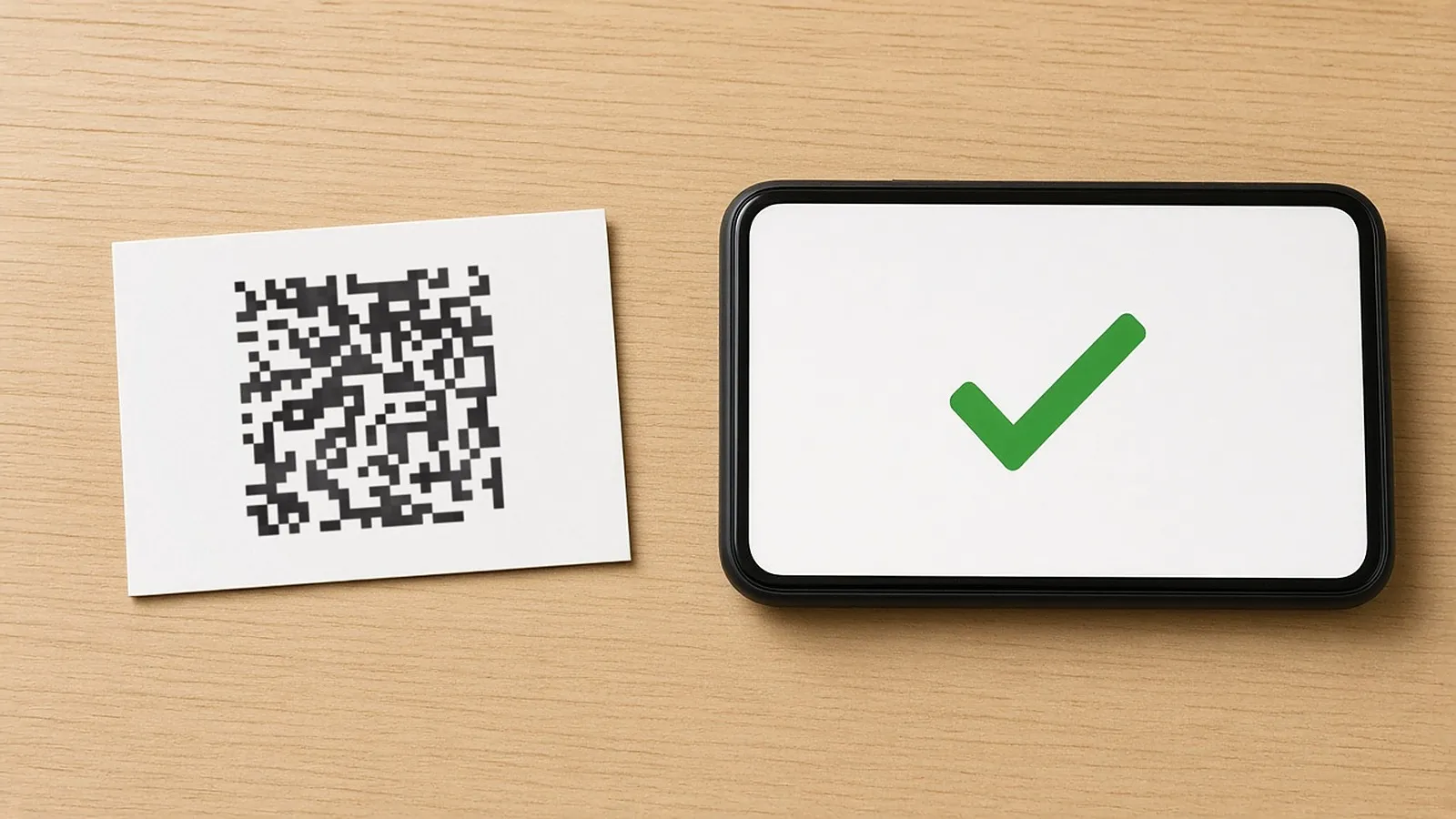
Open almost any smart device box and you'll find the device, a cable, maybe a plug, and a quick-start card that looks like it was designed under protest. Tiny type, three icons nobody asked for, and a QR code squeezed into a corner. I've scanned plenty of these over the years, and more of them than I'd like land somewhere unhelpful: an app store page for the wrong region, a generic support page, or nothing. If you put a QR code on a card the size of a business card, it has to go to one specific, working, current place. That place should be the app's download page.
The card has three jobs before anyone opens the app. Tell people to plug in and power on first. Tell them to get the app. Tell them what Wi-Fi they need.
That last one trips up more people than it should. Some smart home devices only connect on 2.4 GHz, while dual-band home routers also broadcast 5 GHz, sometimes under one network name, and the phone may happily sit on that one. If the card doesn't say which band the device needs, in plain words, people try anyway, pairing fails without a clear reason, and they decide the device is broken. In my experience, that one line about the band deserves more space on the card than almost anything else printed there.
The app handoff is the first setup experience
Then the unboxing experience turns into an app experience. Someone just opened a box, they're a little excited, and now they need to find an app, download it and often create an account before the device does anything at all. That handoff from object to software is the first setup experience, and many teams design it separately from the packaging. I think that's where a lot of setups go wrong.
Account creation is usually where friction shows up first. Email, password, a verification code buried in an inbox, then a screen asking for location or notification permissions before the device has earned any trust. Accounts are often needed for firmware updates and support, but every extra field before the device does something is a spot where someone can put the phone down and not pick it back up. If account creation can move to after the first useful moment, I'd usually move it.
Pairing and the first useful moment
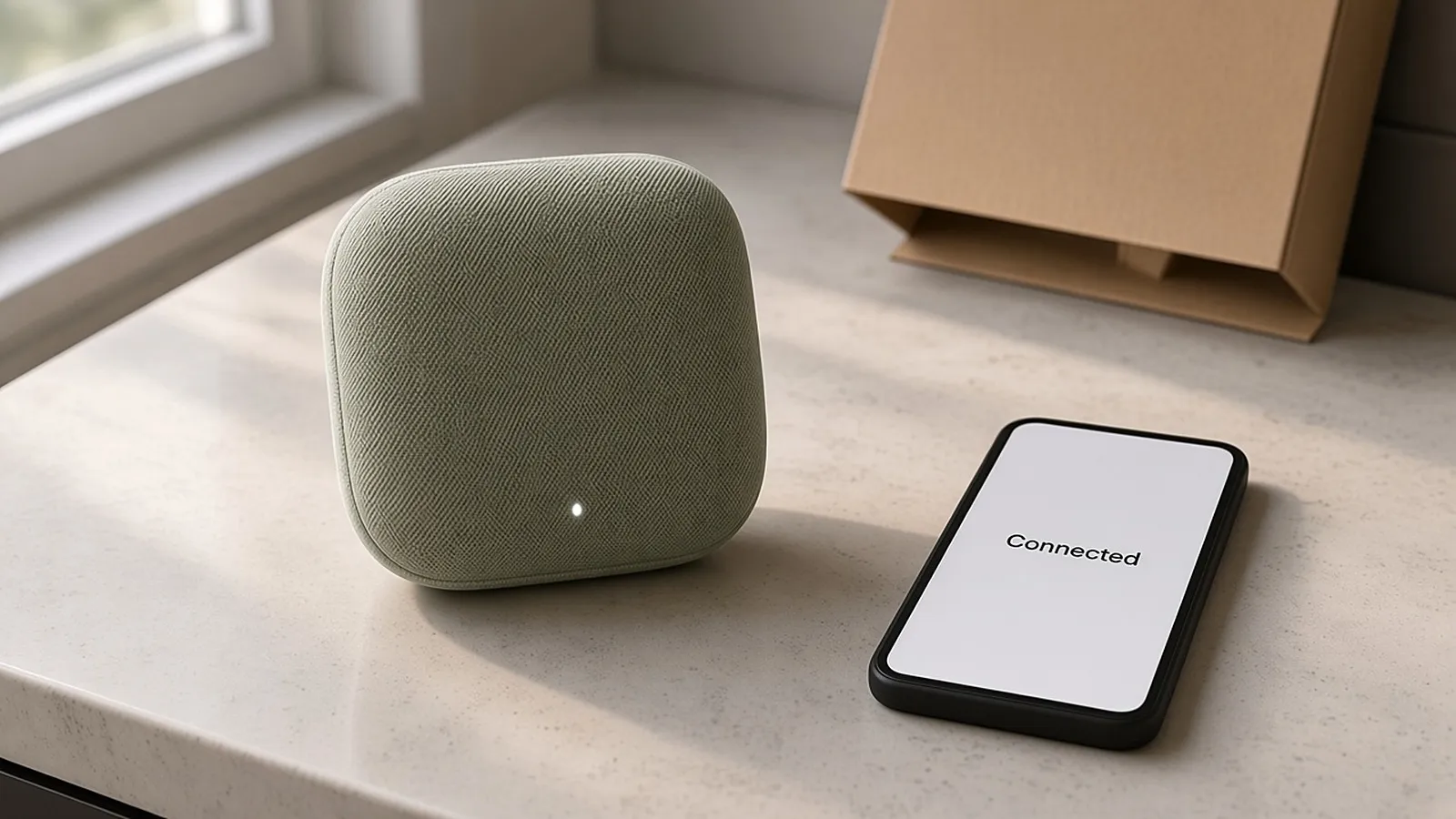
Pairing is the technical core of smart device onboarding, and it's where small Wi-Fi problems turn into 10-minute ordeals. The device looks for a network, the phone looks for the device, and if either side is on the wrong band, out of range or slow to wake up, the loop can drag on. Power matters here too. A flat battery or a half-seated cable can look exactly like a faulty product to the person holding it.
I'd encourage product and app teams to define a clear first useful moment: the first time the device does something a person actually wanted. A light turns on when you tap it. A camera shows a live picture. A speaker plays a sound. Keep the gap between "pairing succeeded" and "this does something for me" as short as you can. People finish onboarding when something good happens early enough to keep them going.
When setup stalls
Setup stalls for ordinary reasons: the wrong Wi-Fi band, a weak signal, a half-charged battery, an app update that didn't install, or someone closing the app halfway through and never coming back. None of these mean the device is defective. From the owner's side, though, a stalled setup often looks just like a broken product, and that's how fine devices end up back in the box.
A 2008 industry study found that more than two thirds of returned consumer electronics had no fault anyone could find. I think about that a lot, because it suggests the hardware was usually fine and getting it working was the hard part. If you want the fuller picture of what happens after a frustrated setup turns into a return, we covered it in our post on no fault found returns for smart products.
In my experience, a lot of people who get stuck never call support. They stop. So you can't rely on tickets to tell you where onboarding breaks. You need to know which step people reached and where they dropped off, and you need a way to reach them while they're still holding the device.
A practical checklist for product, packaging and marketing teams
If you own any part of the unboxing experience, whether that's the packaging, the app or the messages that follow a purchase, here's the short list I'd actually use:
- Put power first, in plain words. The quick-start card should say "plug in and power on" before anything about apps or pairing.
- Name the Wi-Fi band on the card. If the device needs 2.4 GHz, say so. "Connect to Wi-Fi" isn't enough.
- Test every QR code on the printed card. Use the real card, not a proof, and confirm it lands on the current app page in every market you sell in.
- Delay account creation when you can. Let people see the device work before you ask for an email and password, if your flow allows it.
- Define a first useful moment and time it. Know how many minutes it takes a new owner to get from "box open" to "it did what I wanted," then work on shrinking that number.
- Track drop-off points, not just complaints. People who get stuck tend to go quiet, so you need setup data alongside your support tickets.
- Plan for the stalls you can predict. Flat battery, wrong network, abandoned setup wizard. They're common enough to design for one by one.
- Keep the app honest. If a progress step says "almost done" when it isn't, people stop trusting the whole flow.
Before you print the next batch of cards
For a connected device, the unboxing experience covers the first stretch after the box opens: the quick-start card, the app download, the account screen, the pairing attempt and the first time the device does something useful. Get the power instruction right, name the Wi-Fi band, make the QR code go somewhere real and shorten the path to that first useful moment. I'd expect fewer stalled setups, and probably fewer "no fault found" returns landing on your desk.
If the stalls sound familiar, have a look at our Setup Engine. It shows you where onboarding fails and lets you run automated in-app and email messages triggered by live device information, like a network drop-off or a skipped setup step, so the help shows up while the owner is still trying.