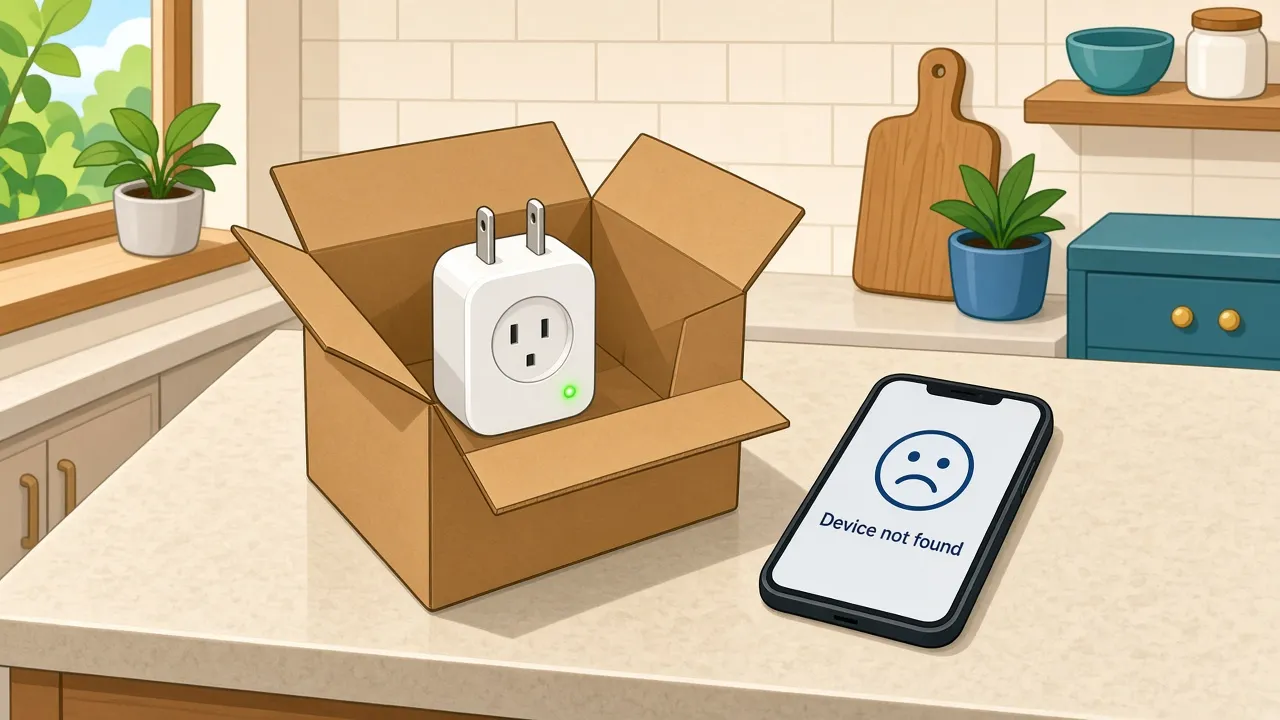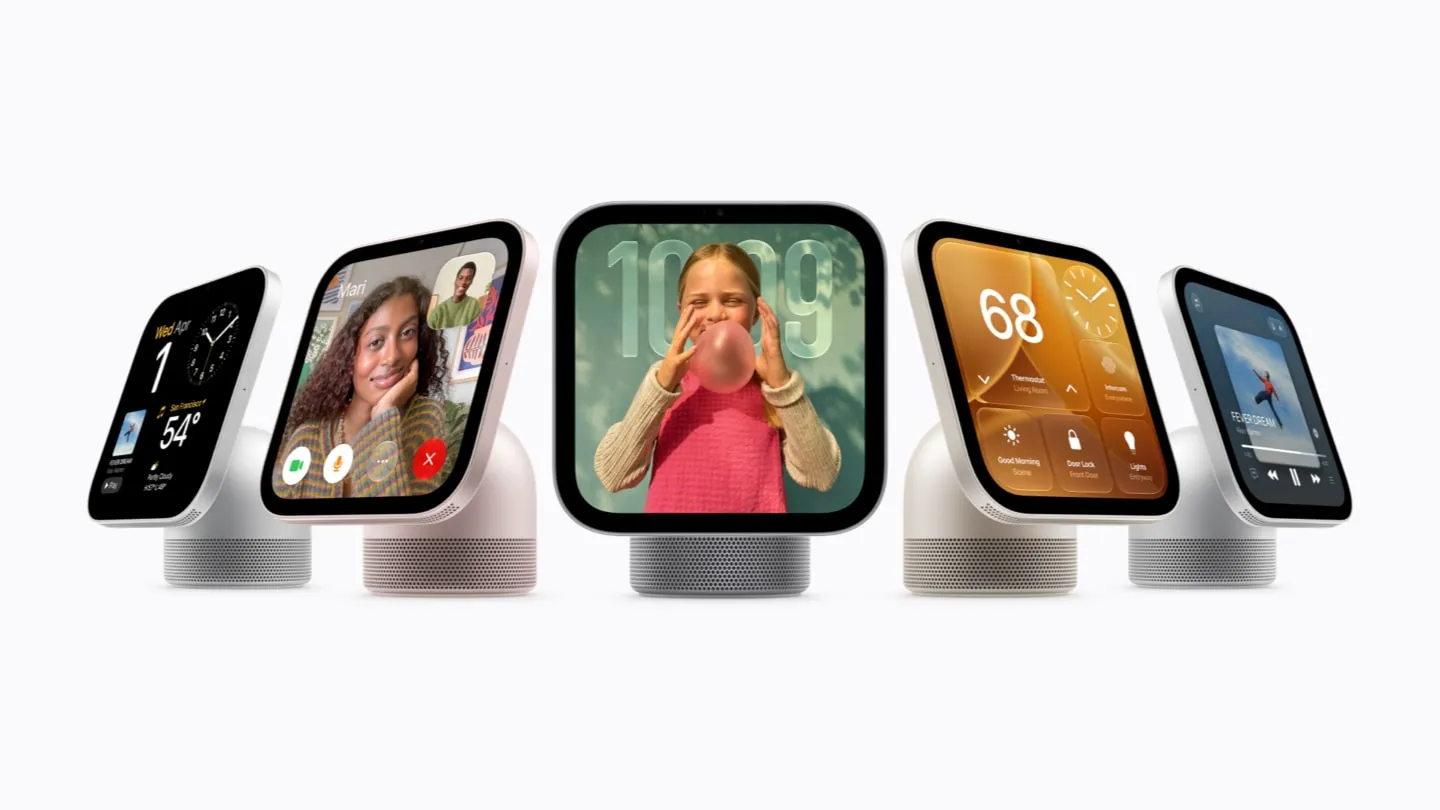

Between October 16 and 18, I answered about 30 smart home questions on Quora, and a pattern jumped out. The answers that got the most views weren't about shiny new gadgets. They were about Matter and Thread.
If you build connected products, your customers are asking these too. Probably in a support ticket. Possibly at 11 PM.
So here are six of the most-viewed ones, rewritten for the people who make the devices, with fresh answers based on what the Connectivity Standards Alliance, the Thread Group and the platform makers publish themselves. Everything below reflects their documentation as of October 19, 2026.
1. Is Matter really an industry standard, or just another badge on the box?
It's a real standard. Matter is developed by members of the Connectivity Standards Alliance, built on Internet Protocol, and shaped by contributions from Amazon, Apple, Google, the Alliance and others. It isn't one company's protocol wearing a group costume.
What it standardizes is the application layer: how a device describes itself and what "turn on" or "lock" means, no matter whose app or speaker sends the command. Underneath, Matter runs over Wi-Fi, Thread and Ethernet, and uses Bluetooth Low Energy (Bluetooth LE) for device setup.
The badge part is earned, too. Certification is open to Alliance members, every new product is tested at an Alliance Authorized Test Provider, and then the maker applies to the Alliance. Once issued, a certification stays valid for the lifetime of the product, and the product can be listed in the Alliance's certified products database. The newest release on the Alliance's specification page right now is Matter 1.6.1.
What "standard" doesn't mean: that every platform supports every device type on day one. Amazon's developer docs, for example, describe support for a subset of Matter 1.5 and lower device types. Platforms move at their own pace, so check your category on each one before you print "works with everything" on the box. (Please don't print that on the box.)
If you're still deciding whether your product should support Matter at all, including what membership and certification cost, our guide Should your product support Matter? walks through it with a checklist.
2. Which big platforms support Matter, and what does a home actually need?
Apple, Google and Amazon all support Matter, and they aren't the only platforms that do. Each of these three asks for something slightly different from the home, and that difference is exactly where setup goes sideways.
- Apple Home. iOS 16.1 and later supports Matter. With iOS 18, an iPhone can add and control Matter accessories from the Home app without a home hub, though Apple still recommends one for the best experience. Thread accessories need a Thread-enabled home hub or a compatible third-party Thread border router, with one exception: a Thread-enabled iPhone (iPhone 15 Pro and later) on iOS 18 can pair and manage Thread accessories locally, which Apple says may require an update from the accessory maker. For battery-powered Thread accessories pairing to an iPhone, Apple says a firmware update from the manufacturer is required for iOS 18 compatibility.
- Google Home. Google asks for a Matter-enabled hub on the home network before any Matter device can be added. Any Matter device that uses Thread also needs a Thread border router to finish setup, and if the home mixes Wi-Fi and Thread Matter devices, Google says the hub itself needs to be a Thread border router. Google's setup checklist also asks for IPv6 to be enabled on the home Wi-Fi router, and a phone with Bluetooth LE 4.2 or higher.
- Amazon Alexa. Matter devices can connect directly to Alexa without a separate hub or add-on, with a Matter-compatible Echo acting as the Matter administrator. Amazon says those Echo devices support Matter over Wi-Fi and Matter over Thread.
The maker takeaway: "Matter compatible" on your box doesn't tell a customer what else they need. A one-line "what you'll need" note per platform in your setup flow will save more support tickets than any FAQ page buried three menus deep. That IPv6 line in particular is the kind of thing nobody reads until it bites.
3. What actually counts as a Thread border router, and does my customer already own one?
A Thread border router is the device that connects a Thread network to other IP networks, such as the home's Wi-Fi or Ethernet. Thread devices talk to each other over a low-power mesh. Phones and apps live on Wi-Fi. The border router is the bilingual friend at the party who makes sure everyone can talk.
The good news: it often isn't a box your customer has to buy separately. The Thread Group points out that border router functionality can be built into devices like smart speakers and smart TVs, and Google notes that many of its hubs have one built in. Apple's list of Thread-enabled devices includes the HomePod mini, the second-generation HomePod and specific Apple TV 4K models. Amazon says Thread-enabled Echo and eero devices have border routers built in.
The less good news: it's model-specific. Apple's list, for instance, names the Wi-Fi + Ethernet version of the third-generation Apple TV 4K specifically, and Amazon publishes a model-by-model list. Apple's list also hadn't added the new Apple TV 4K or HomePod mini 2 announced this month as of October 19, so check it again once they ship. Two products that look like siblings on a shelf can behave very differently when your Thread device tries to join.
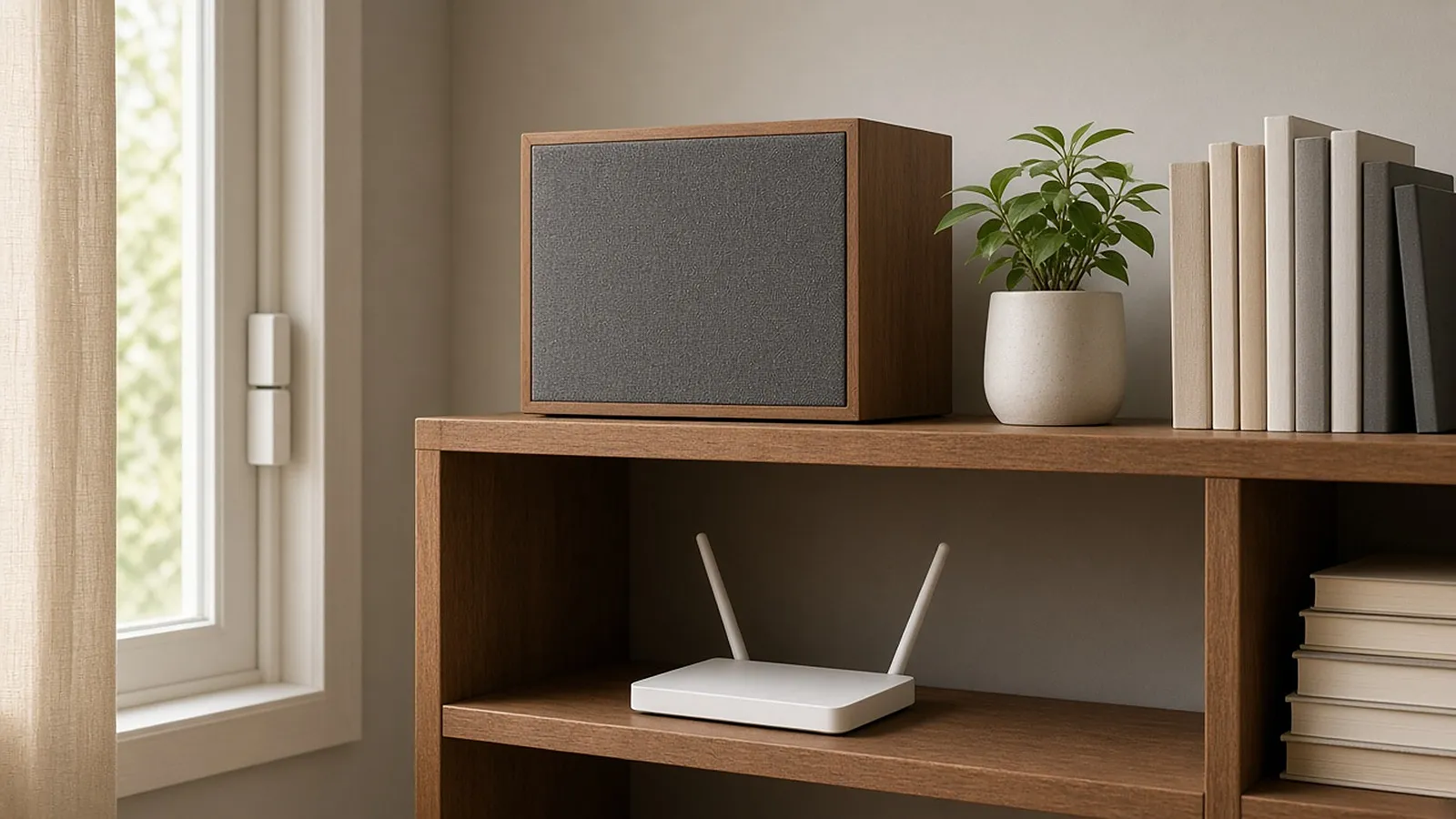
For your support team, the most useful script is simple: "Let's look up the exact model of the speaker, streamer or router you already have." For the bigger picture of how Bluetooth LE, Wi-Fi and Thread split the work during setup, see our guide Bluetooth LE vs Wi-Fi vs Thread for device onboarding.
4. How many Thread border routers can one home have, and is more better?
There's no "only one" rule. A Thread network can have several border routers, and the Thread Group says a typical smart home is very likely to have more than one, since the role hides inside everyday devices. More active border routers means redundancy: if one is unplugged for the vacuum, the network doesn't lose its only door to Wi-Fi.
The catch is credentials. If the border routers share Thread network credentials, everything joins one mesh and mains-powered Thread devices acting as mesh extenders help extend it. If they don't, each border router can form its own separate Thread network. Those networks can still reach each other over IP, but the home now has two meshes where one bigger one would do.
This is the problem Thread 1.4, released by the Thread Group on September 4, 2024, set out to tidy up. The Thread Group says that when a 1.4 updated device or border router is added, it joins the existing Thread network instead of creating a new one, regardless of brand, platform or phone, and that a 1.4 updated Matter device can join any existing Thread network connected by a Thread 1.4 border router. In practice, device makers and ecosystems have to ship those 1.4 updates first, so homes will be a mix for a while.
For makers, one question worth adding to the support script when a Thread device misbehaves in one ecosystem: how many border routers does the home have, and from which ecosystems? Separate networks are supposed to keep working together over IP, but knowing which party your device is actually at makes the rest of the troubleshooting faster.
5. Does Matter make Zigbee and Z-Wave obsolete?
No, and the Alliance itself is the proof. It still publishes new Zigbee specifications right alongside Matter ones on the same specification page. Zigbee remains a low-power, self-healing mesh on 2.4 GHz and Sub-GHz bands, and the Alliance says it's backward compatible with over a billion deployed Zigbee devices. Z-Wave keeps its own mesh, where nodes can act as repeaters, and Z-Wave Long Range adds a star topology for longer distances.
Matter and Zigbee don't talk to each other natively. The Alliance is clear about that. What Matter does support is bridges, which let devices on other protocols, such as Zigbee or Z-Wave, take part in a Matter home. A fun bit of family history: Thread devices use the same 802.15.4 radio technology as Zigbee, and Matter's data model borrows heavily from Zigbee's. Cousins more than rivals.
The honest version of the old "Zigbee or Z-Wave vs Wi-Fi" question is that each still has a job. As a rule of thumb, low-power meshes suit battery sensors and big fleets of small devices. Wi-Fi suits devices that are plugged in and already live on the home network. Matter gives all of them a shared language, directly or through a bridge. If you already ship Zigbee or Z-Wave, a bridge can be a way into Matter homes without redesigning every sensor. Our guides on Zigbee vs Z-Wave and Wi-Fi for connected products go deeper on each.
6. What is multi-admin, and what does it mean for my app?
Multi-admin means one Matter device can be controlled from more than one Matter-certified ecosystem at the same time. Technically, the device is commissioned onto more than one "fabric," and each fabric handles its own encrypted communication independently. In everyday terms, one person in the house uses Apple Home, another uses Google Home, and the same lamp answers to both.
Sharing usually works through the app that set the device up first. Google Home, for example, can generate a temporary pairing code or QR code to share a device with another app. On iPhone, the Home app can add an accessory that was previously paired with another app, and iOS Settings shows every Matter accessory in one place, whichever app set it up, including the option to remove pairings.
Here's the part product teams should sit with for a minute: a customer can set up, share and run your device every day without ever opening your app. Matter covers setup and control. It doesn't cover registration, warranty, firmware news, support or the reasons someone keeps loving your product a year later. If your app is going to earn its spot on the home screen, it has to offer something the platform apps don't.
The short version
- Matter is a real standard with real certification, but platform support for each device type varies, so check yours.
- Every platform asks the home for something a little different. Say so in your setup flow.
- Thread border routers often hide inside speakers, streamers and routers, and support is model-specific.
- Several border routers in one home is normal. Split networks are the thing to watch.
- Zigbee and Z-Wave aren't going anywhere, and bridges connect them to Matter.
- Multi-admin means your app is optional to the customer. Make it worth opening.
New to some of the jargon? Our glossary covers the terms in plain English, and the full guides hub is where all of this lives in more detail.
And if you've got a Matter or Thread question I didn't cover, send it my way on LinkedIn. Chances are you're not the only one wondering.
Trademarks: Matter and Zigbee are developed by the Connectivity Standards Alliance. These brands, related logos and marks are trademarks of the Alliance, all rights reserved. Thread is a trademark of Thread Group. Z-Wave is a trademark of Z-Wave Alliance, Inc. Wi-Fi is a trademark of Wi-Fi Alliance. The Bluetooth word mark is a registered trademark owned by Bluetooth SIG, Inc. All other product and company names are trademarks of their respective owners and are used only to identify the products discussed. Copilot.cx is not certified by, a member of, or a partner of any of these organizations or companies.