
At Copilot.cx we spend a lot of time on the part of the customer relationship that most connected device teams barely plan: everything after the app says "all set." A lot of product and marketing energy goes into the first 10 minutes with a device. The unboxing, the pairing, the little confetti animation when the Wi-Fi connects. Then the plan just stops. What happens in week three, or month four, or the day something stops working? Often nothing, apart from a generic newsletter that has no idea how the person uses the product.
I think that gap is where many connected device brands lose the thread. The post-purchase experience is the long middle of the customer journey after purchase, and it deserves the same care as the unboxing.
What the post-purchase experience covers
When people say post-purchase engagement, they often mean one email asking for a review. I'd stretch it much further. For a connected device, it runs from "it's set up" to "I've decided whether I love this or it annoys me." That stretch usually breaks into four stages: the first week, weeks two to four, months two to six, and the moment something breaks. Each stage has a different job, so each one needs its own plan. One generic drip campaign on autopilot won't cover them.
Days 0 to 7: confirm the win
The first week is about reassurance. The owner spent money and effort getting this working and wants to know it was worth it. Confirm that setup went well, point out one or two features they may have missed during onboarding, and watch for early trouble like repeated app crashes or a device that keeps dropping off the network. Struggling in week one can be an early sign of a return. I wrote about that setup-to-return path in our post on no fault found returns.
Weeks 2 to 4: build a habit
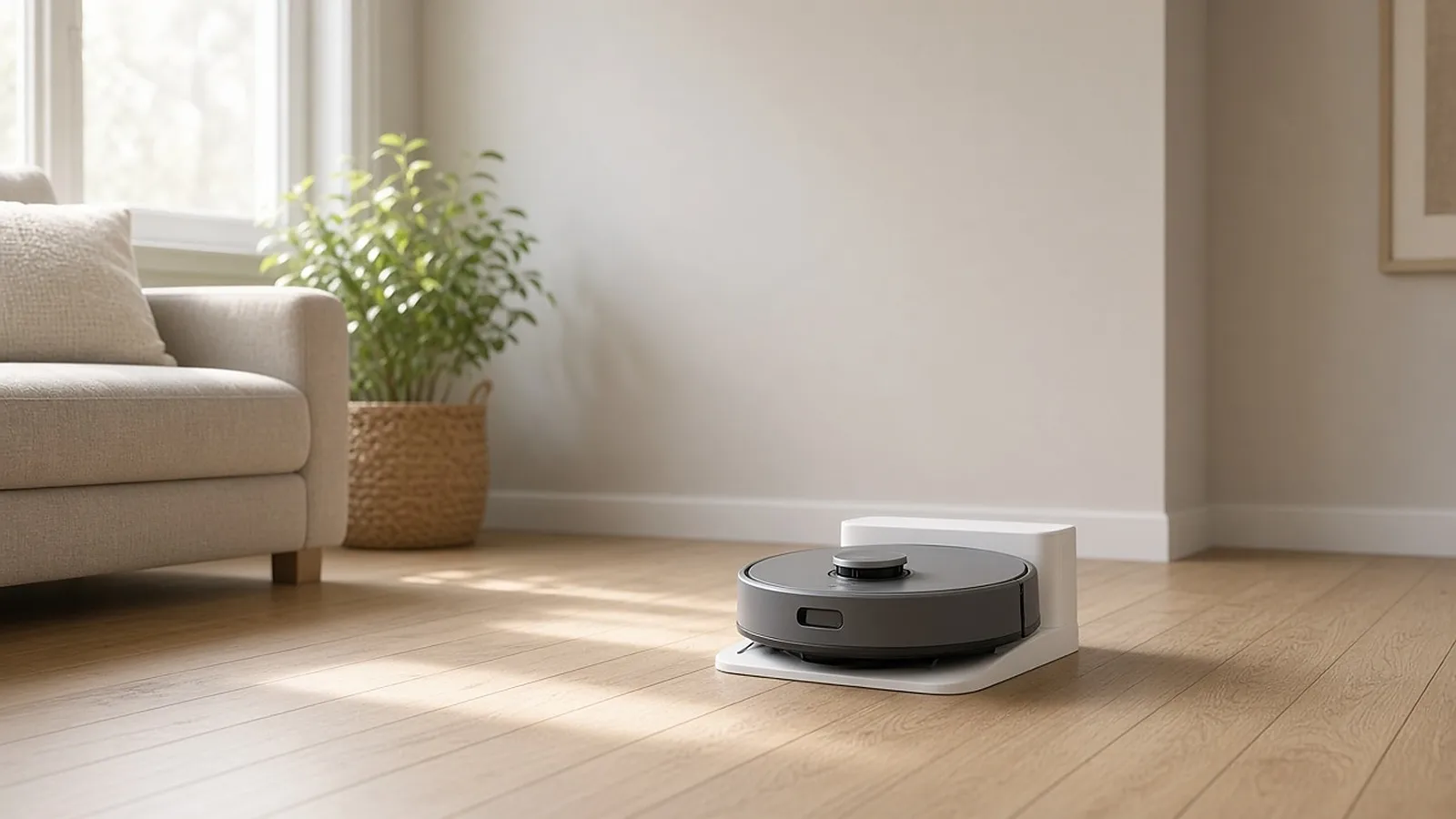
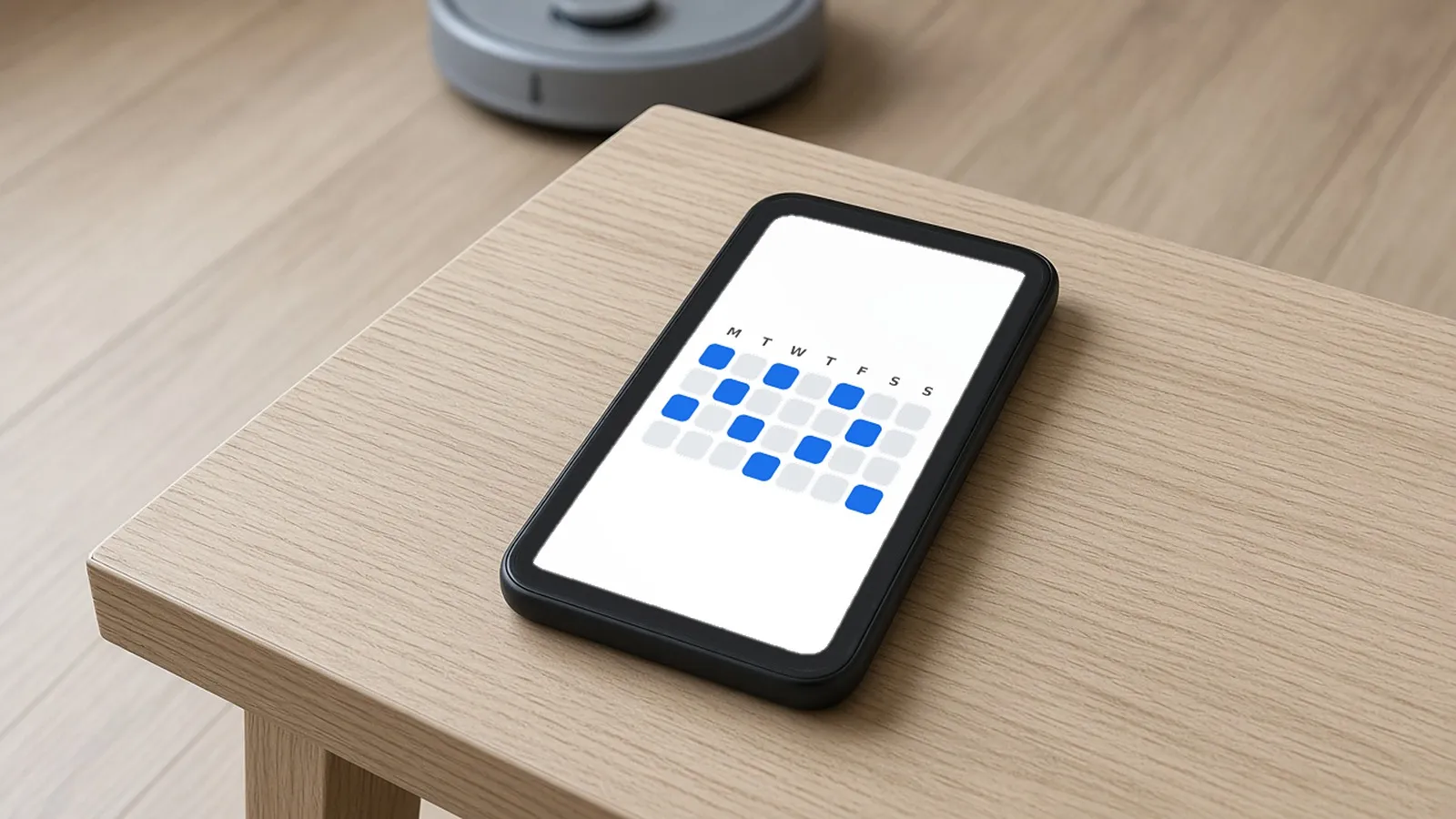
By now the novelty has worn off a bit. This is when a smart plug becomes part of someone's routine or stops being used. I'd use this stage to suggest a second or third use, beyond the one the owner set up on day one. Imagine a robot vacuum that has already saved its owner hours of vacuuming, while the owner still starts every run by hand because they never found scheduled cleaning. Weeks two to four are a good time to mention it, gently.
Months 2 to 6: the quiet period
This is where many brands go silent. I understand why, since there's no obvious trigger to message around, but I think it's a mistake. This is often when the owner finds (or never finds) a feature that changes how they feel about the product. It's also when a device gets handed to someone else in the household, moves to another room or gets unplugged because something stopped syncing. A light touch tied to actual usage can go a long way here.
When something breaks
Firmware updates, dropped connections, a sensor that stops reporting, a battery that drains faster than expected. How you talk to someone during a problem shapes the post-purchase experience more than almost anything else. That's when they decide whether they trust the brand or just put up with the product. In my experience, tone matters as much as speed. A calm, plain message that says what's being fixed and roughly when usually lands better than a scripted apology.
Use signals instead of a calendar
A lot of post-purchase messaging still runs on a timer: day 1, day 7, day 30, day 90, no matter what the customer is doing with the device. A device and its app produce a steady stream of signals: how often it's used, which features get touched, whether setup finished cleanly, whether there's been a support contact. Those make far better triggers than "two weeks since purchase."
Someone who uses a feature every day doesn't need a reminder about it. Someone who has never touched a feature that would help them probably does. Segmenting by how people use the product is most of the job.
Celebrate milestones that mean something
I like celebrating milestones, as long as they mean something to the owner. "You've had this smart lock for 30 days" is a calendar fact. A note that the lock has handled every lock and unlock for a month without a hiccup says something true about their life. Pick milestones that come from real use, and skip the ones that only exist because they're easy to automate.
Feature discovery works the same way. Telling someone about a feature they already use is noise. Telling them about one they haven't tried, right when it would help, is useful.
A practical checklist for the post-purchase experience
- Map the stages first. Write down what days 0 to 7, weeks 2 to 4, months 2 to 6 and the "something broke" moment each need to achieve before you write a single message.
- Pick channels per stage. In-app messages often suit feature discovery, email suits slower updates like firmware notes, and push is best saved for things that really are time sensitive.
- Trigger on behavior. Build messages around usage signals, or the lack of them, rather than a fixed day count since purchase.
- Define a real milestone for your product. Milestones based on usage usually feel earned. Calendar ones usually don't.
- Write a support tone guide. Decide in advance how your brand talks to someone during a firmware hiccup or outage, so nobody improvises under pressure.
- Time feedback requests on purpose. Asking too early, or right after a bad support experience, tends to backfire, and different questions fit different moments. Our post comparing Net Promoter Score (NPS), customer satisfaction (CSAT) and Customer Effort Score (CES) gets into which survey fits when.
- Revisit the plan every quarter. Firmware changes and new features ship, and the stages that made sense at launch may need adjusting six months later.
Putting the stages together
A good post-purchase experience is a series of small, well-timed moments across the first week, the first month, the quiet middle and the first time something goes wrong. Plan it stage by stage, let real usage set the timing, and celebrate things that are true about how people use the device. Owners tend to stick with a product they keep finding reasons to use.
If you want to plan messages around what your devices and apps already tell you, our CX Engine is built for that. It lets you segment users by usage, demographics, location and more. You can send personalized campaigns and support messages, celebrate product milestones in real time, and see which features owners love and which ones new users haven't discovered yet, based on device, app and user data.